

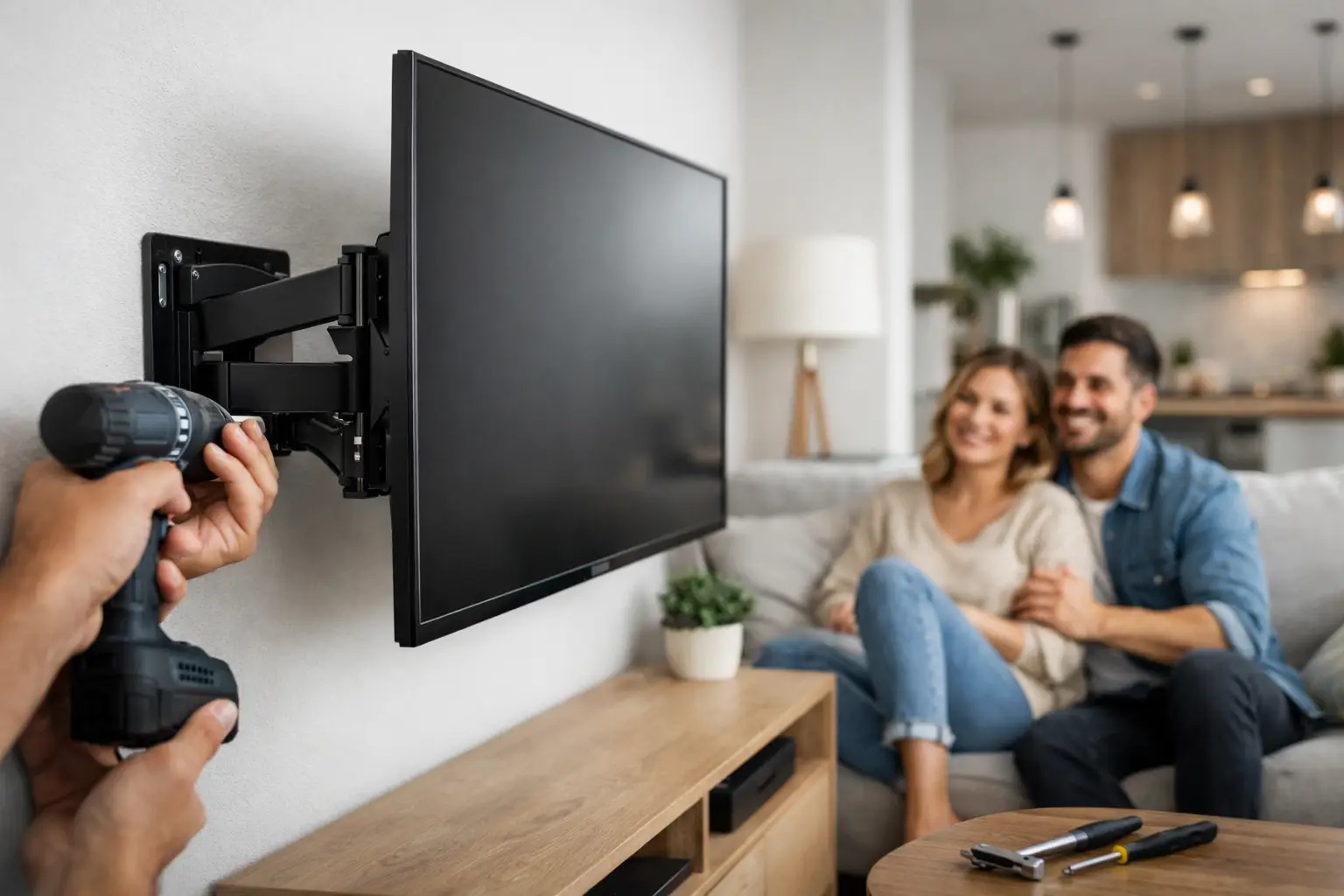
A TV that arrives in a box can quickly become the one unfinished project in an otherwise settled apartment. It may sit on the floor for weeks, take up valuable console space, or feel too risky to hang without knowing what is behind the wall. This apartment tv mounting guide helps renters make a smart plan before the first hole is drilled, so the finished setup feels clean, secure, and lease-friendly.
For busy renters, the goal is not simply getting the screen on the wall. It is choosing a location that works for the room, protects the TV, respects the property, and avoids a repair bill when it is time to move out.
Start With Your Lease and Landlord Rules
Before selecting a mount, check the lease, resident portal, or move-in documents for guidance on wall modifications. Many Austin apartment communities allow a few small picture holes but have stricter rules for larger anchors, brick, tile, and walls shared with neighboring units. Some require written approval for any TV mount.
This step can feel unnecessary when the project seems straightforward, but it prevents an avoidable problem later. A quick message to the property manager can clarify whether stud-mounted hardware is allowed, whether repairs are expected at move-out, and whether a particular wall is off-limits.
If approval is required, ask before purchasing equipment or scheduling installation. Keep the response for your records. It is a small detail that can make the move-out process far less stressful.
Choose the Right Wall, Not Just the Empty Wall
The best-looking wall is not always the safest or most practical mounting surface. Start by thinking about how you actually use the room. In a living room, the screen should be comfortable to view from the sofa without forcing everyone to look sharply upward. In a bedroom, a higher placement can work, but only if the mount allows enough tilt to reduce neck strain and glare.
The wall itself matters just as much. Drywall with wood studs is often the simplest option because a properly installed mount can be secured directly into the framing. Metal studs, concrete, brick, tile, and fireplaces require different hardware and techniques. They are not automatic deal-breakers, but they do change the plan.
Avoid assuming every interior wall can support the same load. A large television creates weight that pulls outward from the wall, especially with a full-motion mount. If the wall construction is unclear, do not rely on guesswork or basic drywall anchors alone.
Check for Studs and Hidden Obstacles
A stud finder is useful, but it is only one part of the process. Before mounting, the installer should confirm stud locations and consider what may be inside the wall, including electrical wiring, plumbing, or HVAC components. This is particularly relevant in apartment buildings where layouts and construction details can vary from unit to unit.
A stud-mounted installation is generally the most dependable choice for standard drywall. When studs are not positioned where you want the TV, a qualified technician can recommend a safe alternative based on the wall and the screen’s weight. Sometimes the right answer is a different TV location or a media console instead of forcing a mount into a poor spot.
Pick a Mount That Matches Your TV and Room
TV mounts are not one-size-fits-all. The right choice depends on your television’s size, weight, VESA mounting pattern, viewing height, and how much adjustment you want after installation.
A fixed mount holds the TV close to the wall and creates the cleanest, lowest-profile look. It is a strong choice when the viewing position is straightforward and glare is not a concern. A tilting mount gives you a little more flexibility, especially for a TV installed above eye level. A full-motion mount lets you pull the screen out, swivel it, and angle it toward different seating areas.
That flexibility comes with a trade-off. Full-motion mounts put more leverage on the wall and generally need especially secure installation. They can also make cable management more visible when the TV is extended. For a smaller apartment living room with one primary seating area, a fixed or tilting mount may be all you need.
Before buying a mount, confirm both the television’s weight and its VESA pattern, which is the spacing of the mounting holes on the back of the screen. The mount must support the TV’s actual weight, not just its screen size. If you are unsure, save the model number and check it before installation day.
Plan the Height Before You Drill
A common mounting mistake is placing the TV too high. Many people center the screen based on the wall, but your eyes do not watch the wall – they watch the screen from the sofa or bed. For a living room, the center of the TV should usually be close to seated eye level. The right height varies with furniture, room size, and personal preference, but comfort should lead the decision.
Use painter’s tape to outline the TV on the wall before installation. Sit where you normally watch and look at the taped shape for a few minutes. Check whether artwork, windows, doors, and lamps create glare or visual clutter. This simple test often reveals a better placement before holes become permanent.
If you are mounting above a fireplace, pause and consider the trade-offs. The screen may sit too high for relaxed viewing, and heat can shorten the life of electronic equipment. Measure the temperature in that area when the fireplace is in use and follow the TV manufacturer’s clearance guidance. In many apartments, another wall offers a more comfortable and lower-risk setup.
Treat Cable Management as Part of the Job
A mounted TV looks unfinished when power cords and HDMI cables hang down the wall. Planning the cables early makes the room feel organized and helps you avoid pulling or pinching connections later.
For renters, surface-mounted cord covers are often the simplest solution. They can route cables neatly along the wall and are generally easier to remove than in-wall cable systems. Choose a cover that can hold the cables you need now, plus room for a streaming device, soundbar, gaming console, or future upgrades.
Do not run a standard TV power cord through the wall unless the setup is specifically designed and installed for that purpose. Electrical codes and fire safety considerations apply, and a standard extension cord hidden behind drywall is not a safe workaround. Use an accessible outlet, an approved power solution, or get advice from a qualified professional.
Also think about where your devices will live. A floating shelf can keep a streaming box off the floor, while a console may make more sense if you have several components. Leave enough slack in the HDMI and power cables for any tilt or swivel movement. A cable that looks tidy but is stretched tight can fail when the TV is adjusted.
Know When a Professional Installation Is Worth It
DIY mounting can be manageable for a lightweight TV on a clear, stud-backed drywall wall. But apartment projects often come with unknowns: metal studs, tricky wall locations, oversized screens, mounted soundbars, uncertain lease rules, and the pressure of avoiding damage in a home you do not own.
Professional installation is especially worthwhile when the TV is large, the mount is full-motion, the wall is masonry or tile, or you want a polished cable-management plan. A trained technician can evaluate the surface, use hardware suited to the installation, level the mount, secure the screen, and test its movement before the job is complete.
For renters moving into Austin or Central Texas, Smart Solutions TX provides hands-on TV mounting with background-checked technicians and a 90-day service guarantee. That means you can focus on getting settled while someone else handles the measuring, mounting, and careful finishing work.
Protect Your Deposit for Move-Out Day
Save the mount box, extra hardware, and installation notes in one place. When it is time to leave, you will know what needs to come down and what parts belong with the TV. Take a few photos of the finished installation and any landlord approval, particularly if the property manager requested documentation.
After removing the mount, patch holes according to the lease requirements. Small fastener holes are often simple to repair, but larger holes or damage from incorrect anchors may need more attention. The best way to protect your deposit is to prevent that damage in the first place with the right location, hardware, and installation method.
A properly mounted TV should make your apartment feel more like home, not create another item on your move-out checklist. Take a few minutes to plan the wall, the mount, and the cables, then choose help when the project calls for it. A secure screen and a calm move-in are well worth the preparation.