

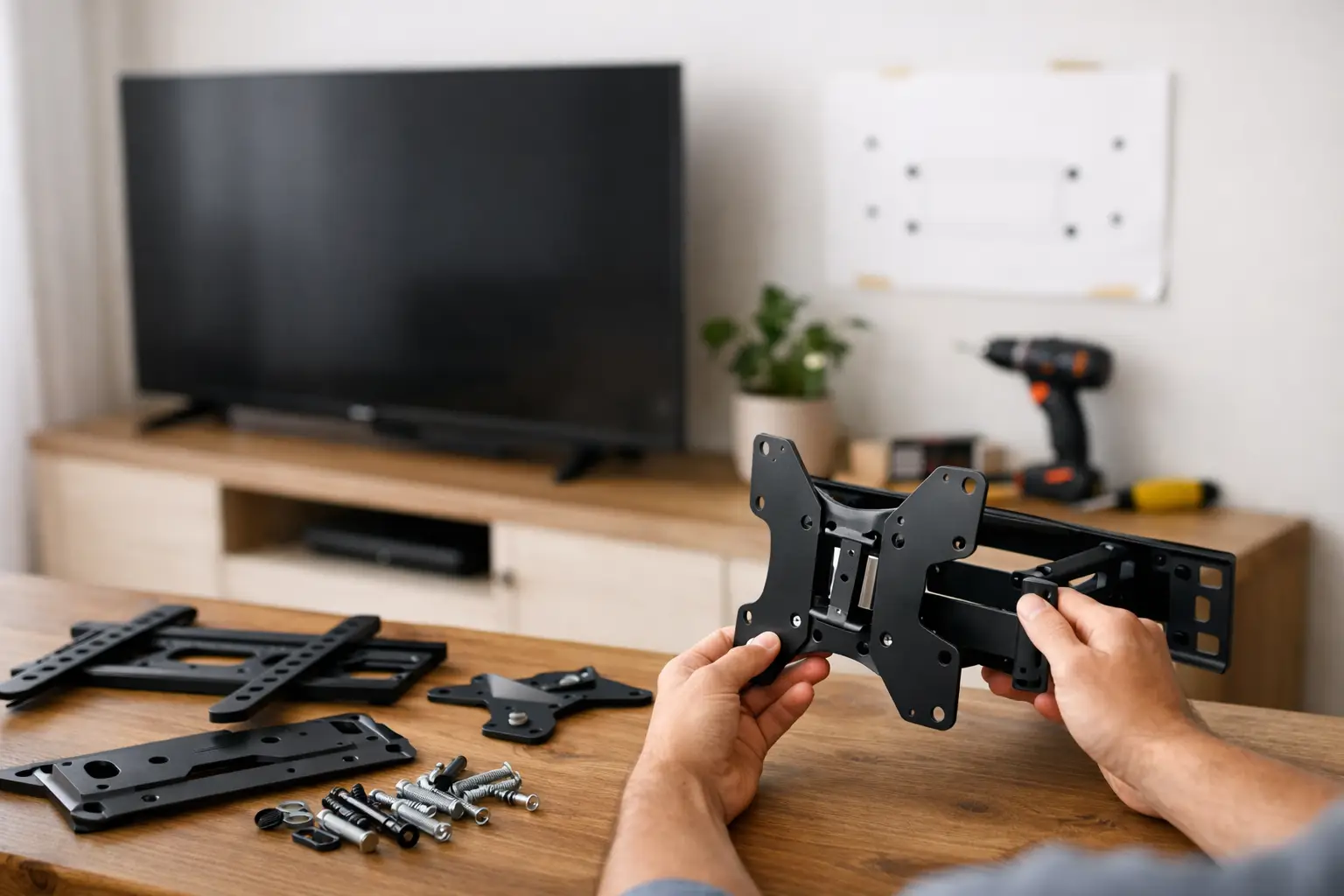
A new TV can change how a room feels, but the wrong mount can create daily frustration before movie night even begins. A screen that sits too high, sticks too far into the room, or cannot turn toward the sofa is hard to enjoy. Learning how to choose a TV mount starts with the television itself, then considers your wall, your seating, and the way your household actually uses the space.
For busy Austin-area homeowners and renters, the goal is simple: a clean-looking setup that feels secure every time kids, guests, or pets move through the room. A little planning before installation helps prevent unnecessary wall holes, mismatched hardware, and a TV that is difficult to watch comfortably.
How to Choose a TV Mount That Fits Your TV
The first rule is never to choose a mount based on screen size alone. A 65-inch TV may look similar to another 65-inch model, but their weights, mounting patterns, and back-panel designs can be very different.
Start with the TV’s listed weight without its stand. Then select a mount rated to hold more than that amount. The extra capacity is a sensible safety margin, especially for full-motion mounts that place more leverage on the wall when the TV is extended. Do not assume a mount will work because the box says it supports your screen size. Confirm both the weight rating and the compatible VESA pattern.
VESA refers to the spacing of the mounting holes on the back of a television. It is usually shown in millimeters, such as 400 x 400. Your TV manual, manufacturer specifications, or the label near the mounting holes should list this measurement. The mount must support that exact pattern or a range that includes it.
Also look at the back of the TV. Some models have recessed mounting holes, curved backs, or ports positioned close to the mounting area. These details may require spacers or affect how close the screen can sit to the wall. Checking them early saves a last-minute surprise after the mount is already installed.
Choose the Mount Style Around Your Room
The right mount style depends less on what looks impressive in a product photo and more on where people sit and how they watch. Most homes need one of three common wall-mount styles.
Fixed mounts for a clean, low-profile look
A fixed mount holds the TV close to the wall and does not tilt or swivel. It is a strong choice when the screen will be viewed straight on from a main sofa or bed, and when you want the most streamlined appearance. Fixed mounts are often more affordable and can be a good fit for rooms where glare is not a concern.
The trade-off is access. Reaching rear ports for a gaming console, streaming device, or cable changes can be difficult after installation. If the TV must sit high on a wall, a fixed mount can also force viewers to look upward for long periods.
Tilting mounts for higher placements and bright rooms
A tilting mount lets the bottom of the TV angle forward slightly. That adjustment can reduce glare from windows or lights and improve the viewing angle when the TV is mounted above eye level. It is commonly used in bedrooms, rooms with strong natural light, and above a fireplace when no lower wall location is available.
A tilt does not solve every fireplace installation concern. Heat from the fireplace, the height of the mantel, and the wall material all matter. If you are considering this location, check the TV manufacturer’s clearance guidance and make sure the screen will not be uncomfortably high for regular viewing.
Full-motion mounts for flexible seating
A full-motion mount, sometimes called an articulating mount, extends, tilts, and swivels. It is helpful in open-concept rooms, corner installations, kitchens, or spaces with more than one seating area. You can turn the TV toward the dining table for a game, then face it back toward the living room afterward.
This flexibility comes with a few considerations. Full-motion mounts typically cost more, extend farther from the wall, and need especially secure attachment points. The farther the TV pulls away from the wall, the more force is placed on the mounting hardware. A properly rated mount and correct wall anchoring are essential.
Check the Wall Before You Buy
A dependable TV installation is about the wall as much as the mount. In many homes, the safest attachment is directly into wood studs using the hardware specified for the mount. Stud location affects where the TV can be centered, so it is worth checking before deciding on the exact placement.
Drywall alone is generally not enough for a large television. Heavy-duty anchors may be appropriate for certain lighter applications and specific wall conditions, but they are not a universal answer. The TV’s size, weight, mount design, and wall construction should guide the installation plan.
Masonry walls, including brick and concrete, require different fasteners and drilling methods. Metal studs need special attention as well, because not every mount or anchor system is designed for them. If you live in an apartment, condo, or rental home, review your lease rules before drilling. Some property managers have clear requirements about wall alterations, particularly in units with metal studs or post-tension concrete.
There may also be electrical wiring, plumbing, or other hidden components behind the wall. A careful installer checks the mounting area instead of drilling based on guesswork. This is one of the biggest reasons many homeowners choose professional help for larger screens and complicated wall types.
Get the Height Right Before Mounting
The most common TV mounting mistake is placing the screen too high. A TV should usually be positioned so the center of the screen is close to seated eye level. In a typical living room, that often means the center lands around 42 inches from the floor, but your furniture and viewing distance may call for a different measurement.
Measure while sitting in your usual spot, not while standing in an empty room. Consider the height of the sofa, whether you recline, and who watches most often. A family room with a deep sectional may need a different position than a bedroom where the screen is viewed from a taller mattress.
Before making holes, use painter’s tape or a paper template to mark the TV’s approximate outline on the wall. Sit down and look at it for a few minutes. Check sightlines from the main seats, make sure it will not conflict with shelves or artwork, and confirm that the screen will not block a thermostat, light switch, or air vent.
Plan for Cables, Power, and Connected Devices
A secure mount is only part of a polished setup. Think about where the power outlet is located and which devices need to connect to the TV. HDMI cables, streaming boxes, soundbars, game consoles, and antenna connections can quickly create clutter if they are not considered before the screen goes up.
Choose cables long enough to accommodate the mount’s movement. This matters most with a full-motion mount. A cable that seems fine when the TV is flat against the wall can pull tight when the screen is extended or turned. Avoid sharply bending cables or pinching them behind the bracket.
For a cleaner result, you may use an approved cord cover or arrange for an in-wall power solution installed according to local electrical requirements. Never run a standard TV power cord inside a wall. If a soundbar is part of the setup, decide whether it will sit on furniture, mount beneath the TV, or use a separate wall bracket so the whole viewing area feels intentional.
When Professional TV Mounting Is the Better Choice
DIY mounting can work well for a small TV on a straightforward stud wall when you have the right tools and feel confident with measurements. The risk rises with large or expensive TVs, full-motion brackets, fireplaces, brick walls, metal studs, and installations where cables need careful planning.
Professional mounting provides a second set of trained hands for lifting, precise placement, and secure hardware installation. It can also save the time and stress of correcting a mount that is off-center or set at the wrong height. Smart Solutions TX provides careful TV mounting for homeowners and renters who want a secure installation without turning a weekend into a wall-repair project.
Your TV mount should support more than the screen. It should support the way your home works, whether that means quiet family movies, a game-day crowd, or a comfortable bedroom setup. Choose the mount that matches your wall and viewing habits, then give the installation the care it deserves.